
Day 4 of DSA: Searching
Searching helps us find whether an element exists and, if so, at which index. This post focuses only on linear search.
Below is a concise walkthrough with visuals, key trade-offs, and practice links.
Linear Searching
Linear search checks elements one by one. It works on unsorted data but can be slow for large arrays.
- Best use: small arrays or when data is unsorted.
- Complexity: time O(n) worst-case, space O(1).
- Worst case: the target is at the end or not present.
- Not a fit: huge datasets where an index or hash lookup is available.
How it works:
- Start at index 0 and compare each element to the target.
- Stop when you find it or reach the end of the array.
Pseudo-code (iterative):
for i from 0 to n-1:
    if a[i] == target:
        return i
return -1  # not found
Edge cases to remember:
- Empty array → return not found immediately.
- Duplicates → return the first match (most common convention).
- Mixed types/objects → be clear which equality check you need.
- Early exit → as soon as you match, stop scanning to save work.
example :
- Array: [4, 2, 7, 1], target = 7
- Start at index 0: 4 ≠ 7, move on
- Index 1: 2 ≠ 7, move on
- Index 2: 7 = 7, stop and return index 2
- If you reached the end without a hit, report “not found”
Strengths (when to pick it):
- Data is small or unsorted.
- Simplicity matters more than speed.
- You only need to find something once in a while (rare lookups).
Limitations (when to avoid it):
- Large arrays where many lookups happen.
- Data can be indexed, hashed, or kept sorted (binary search or hash lookup wins).
Visualize linear search
Try this tool for step-by-step animations: DSA Visualizer
- When the element is present:
- When the element is absent:
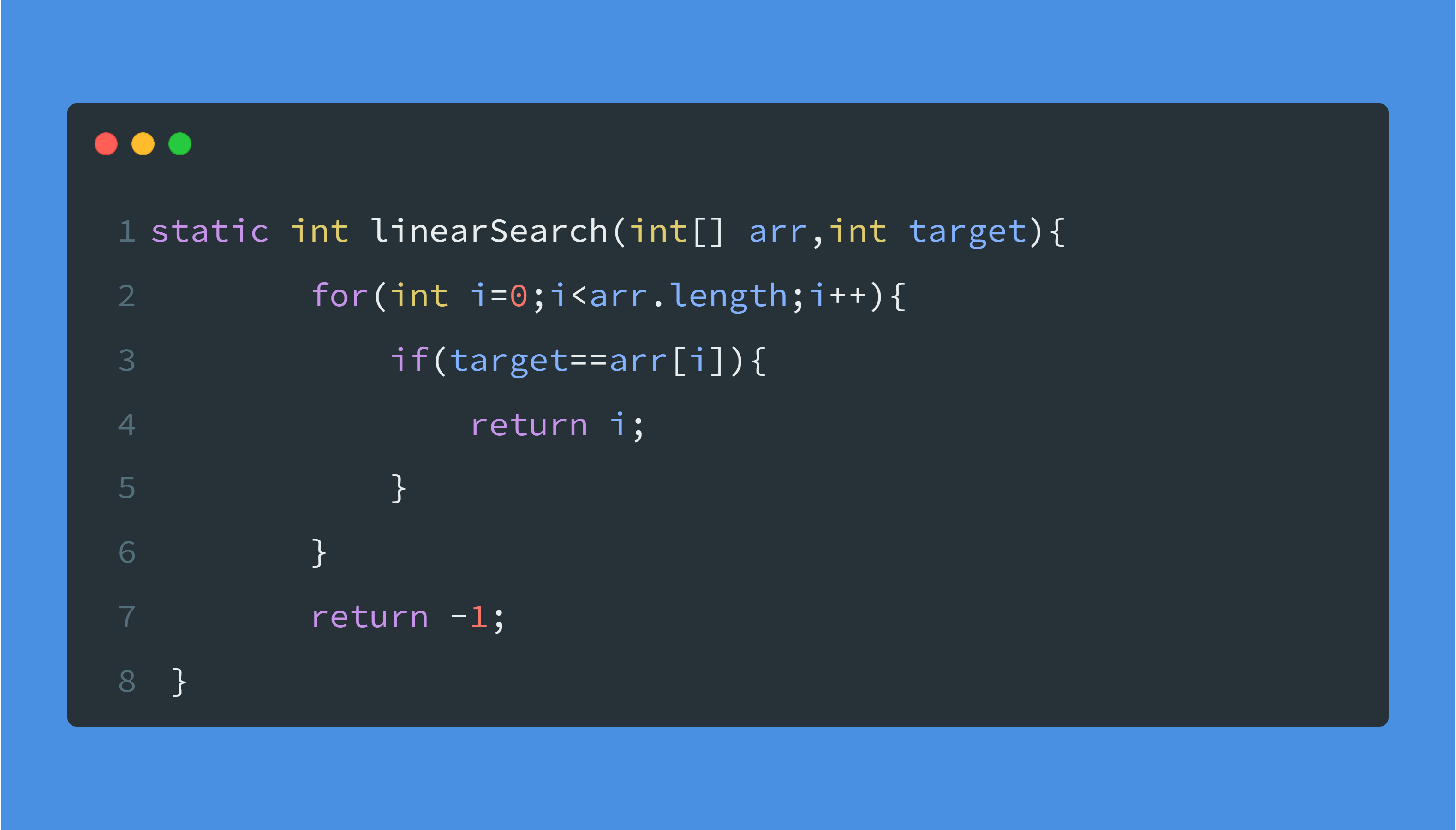
Code (example)
Practice (LeetCode)
- Check If N and Its Double Exist
- Is Subsequence
- Count Items Matching a Rule
- First Unique Character in a String
- Find Smallest Letter Greater Than Target
These are good spots to practice straightforward scans, early exits, and handling edge cases.
Comments
Questions, corrections, and practical takeaways are welcome here.